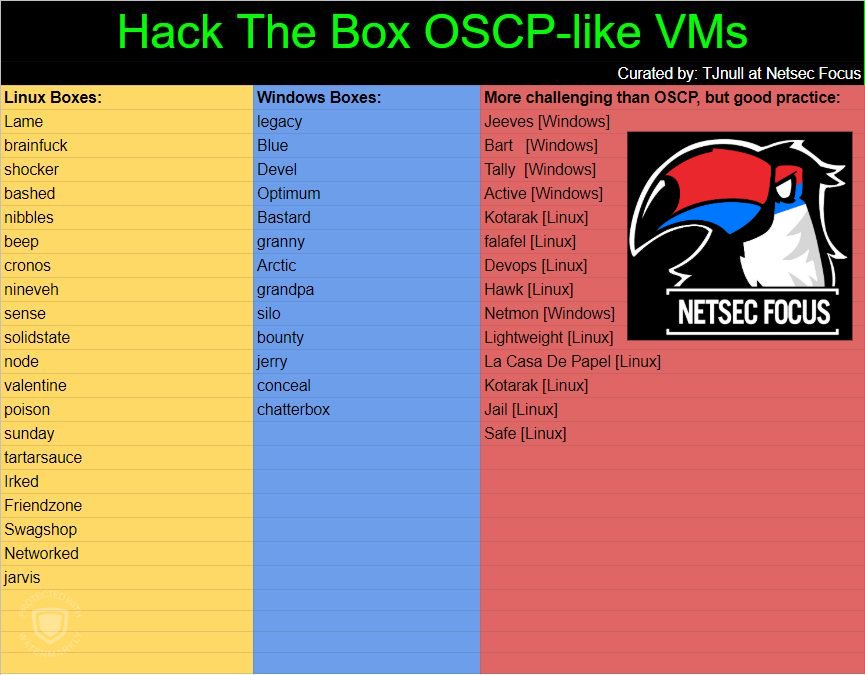
In continuing on with TJ_Null’s OSCP-like VMs, I moved on to “Bashed”.

1. Enumeration
I started the machine with an nmap.

The scan showed the following port as open:
- 80/tcp – HTTP
Since this machine only appeared to have one port open, I decided to use DirSearch against it.

2. Pwning User
I checked the “/dev/” folder first. It had two Python scripts in it.
 The “phpbash.php” file gave access to a bash shell through PHP.

I browsed to /home/ to see if we could capture the “user.txt” file. I could.

3. Pwning Root
I wanted to get a full shell, so I attempted to initiate a bash reverse shell, which didn’t work initially. I made a small modification to the command to allow for URL encoding changes of it being entered through a web page. The following command allowed a bash reverse shell.


When looking for privilege escalation paths, I decided to start with kernel exploits to get the job done. I did this by moving linux-exploit-suggester over to the victim by using “wget”. The linux-exploit-suggester had several exploits to try. I attempted this one first.

I compiled the exploit on my local machine (because the victim didn’t have GCC installed). I then moved it over to the victim machine and executed it. It worked, but the box crashed shortly afterwards. This would have given me enough time to grab the root.txt and the proof of root, but I wanted to go about this the right way.

Looking back at basic Linux privilege escalation techniques, I started with the “sudo -l” command. For those that don’t know sudo stands for super user do. The “sudo” command allows the current user (www-data in this case) run commands as su, or super user. The “sudo -l” command list all available options to run as super user (root) for the current user.
The output of the “sudo -l” command stated that the www-data user could run any command as the user “scriptmanager”.

Since I could elevate to the “scriptmanager” user I used the following command to execute a bash shell.

Now that I was the “scriptmanager” user, I wanted to see what directories the user could write to. The following command provides a list of writable directories.

The “/scripts” folder looked like an interesting one to check out.

The folder had two files, a “test.py” file that the “scriptmanager” user owned, and a “test.txt” file that was owned by “root”. The two files definitely seem related. Looking at the two files, it seems that the “test.py” file is executed by root at a regular interval (possibly a cron job). I changed the value of the “test.py” to “testing 1234!” and waited for root to execute the file.

Now, I needed to change the “test.py” file to my advantage. I made the following change to attempt a reverse shell to my attack machine.

The generated a reverse shell that was successful as root.

 Pwn Struggles